CRM integrations
Connect Curia to your practice management system so your contacts and matters sync automatically, and every review is findable by the purchaser, address and matter details you already track.
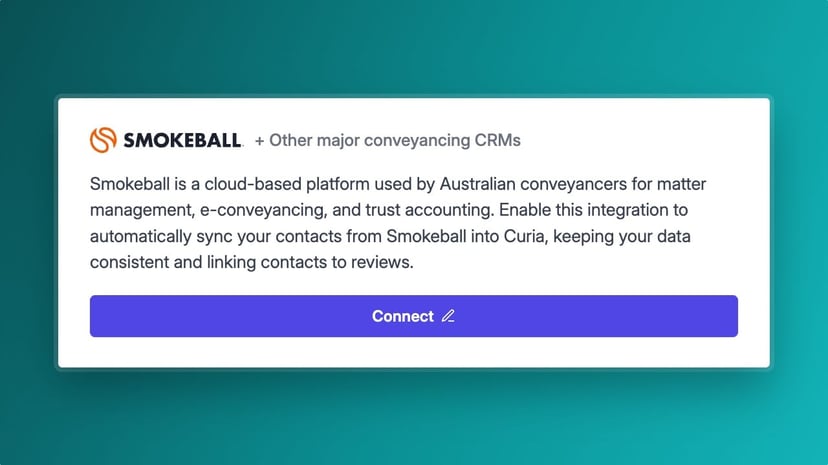
When a contract lands on your desk you've usually already opened a matter in your practice management system, with the purchaser, vendor and property details on it. Curia connects to your PMS so your contacts and matters come across without re-keying, and attaching them to a review makes it findable by everything you already track: purchaser name, property address, title reference, whatever fits how you work.
The problem with running two systems
Most conveyancers already pay for a PMS to manage matters, contacts and trust accounting. A review tool that doesn't talk to it means a second place to look every time you need a file, and a second list to keep aligned. On a busy week that's minutes lost hunting for the right review and a real chance of opening the wrong one.
How CRM integrations work
Find any review by what's already in your PMS
Attach a contact or matter to a Curia review and the review inherits the details. Open Curia later, search by contact, matter, property address or title reference and the right review comes up. No second filing system to maintain.
Pull a matter into a review
Working from a matter you already have in your PMS? Sync it into Curia and its parties come straight into the review, so the client contacts are linked for you with nothing to re-key. The matter and every review done for it then sit together in Curia. See how matters and contacts organise your work in Unified workspace .
Your PMS stays the source of truth
Your contacts and matters live in your PMS, where they belong. Curia connects to them and stays in step as they change, so the title, parties and details on the review match what's in your PMS and you're not maintaining two address books or two matter lists.
Live today: Smokeball and major conveyancing platforms
Smokeball is a live integration within Curia today, alongside one of Australia's most widely used cloud conveyancing platforms, and together they're relied on by hundreds of Australian conveyancing and legal firms. Connect your system and your contacts and matters flow into Curia, so you can start finding your reviews by what's already in your PMS.
Expanding CRM support
CRM integration is an area we're actively building out. More practice management systems are on the roadmap, along with deeper functionality so the work happening in Curia flows back to your PMS too. If you're on a system we don't support yet, get in touch.
Where it sits in the review
CRM integration is how a Curia review stays connected to the rest of your practice. Once your contacts and matters are linked, Curia handles the review: reading the contract, prefilling the data, running cross-checks and generating the amendment list and report at the end. It works the same way whether you're reviewing the NSW standard contract or Victorian contracts and Section 32 statements .
See Curia in action
See Curia handle a real contract. Book a demo .